Free, and nothing leaves your browser
Custom 3D iconsfrom any logo.
Drop in an SVG or PNG and get it back in glass, metal or colour. Export a PNG for your designs, a GLB for three.js or an STL for print.
From flat SVG to finished 3D asset
Everything you need to ship custom 3D icons for a site, an app or a deck, without opening a 3D tool.
Made from logos you know
Each render came straight out of the studio at its default settings. Open one to remix it, or drop in your own mark.
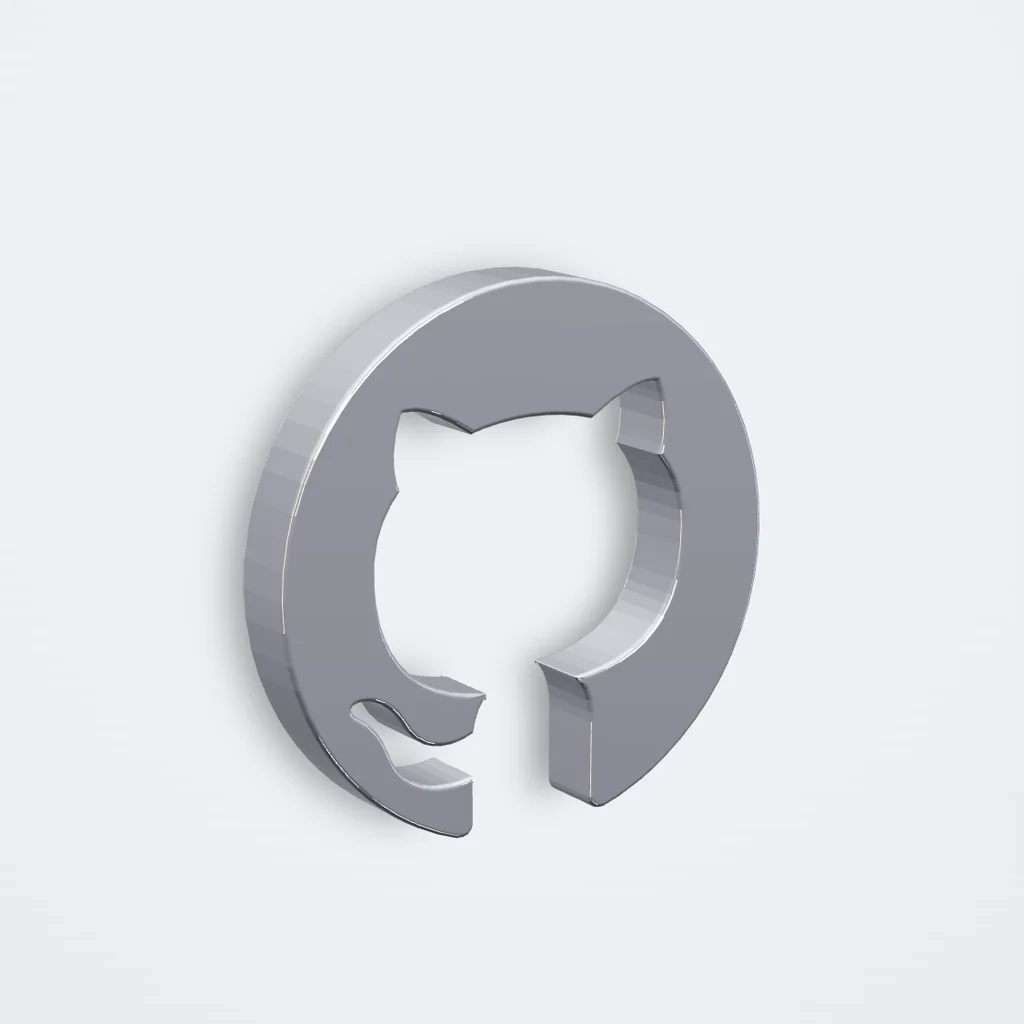 GitHubPolished chrome
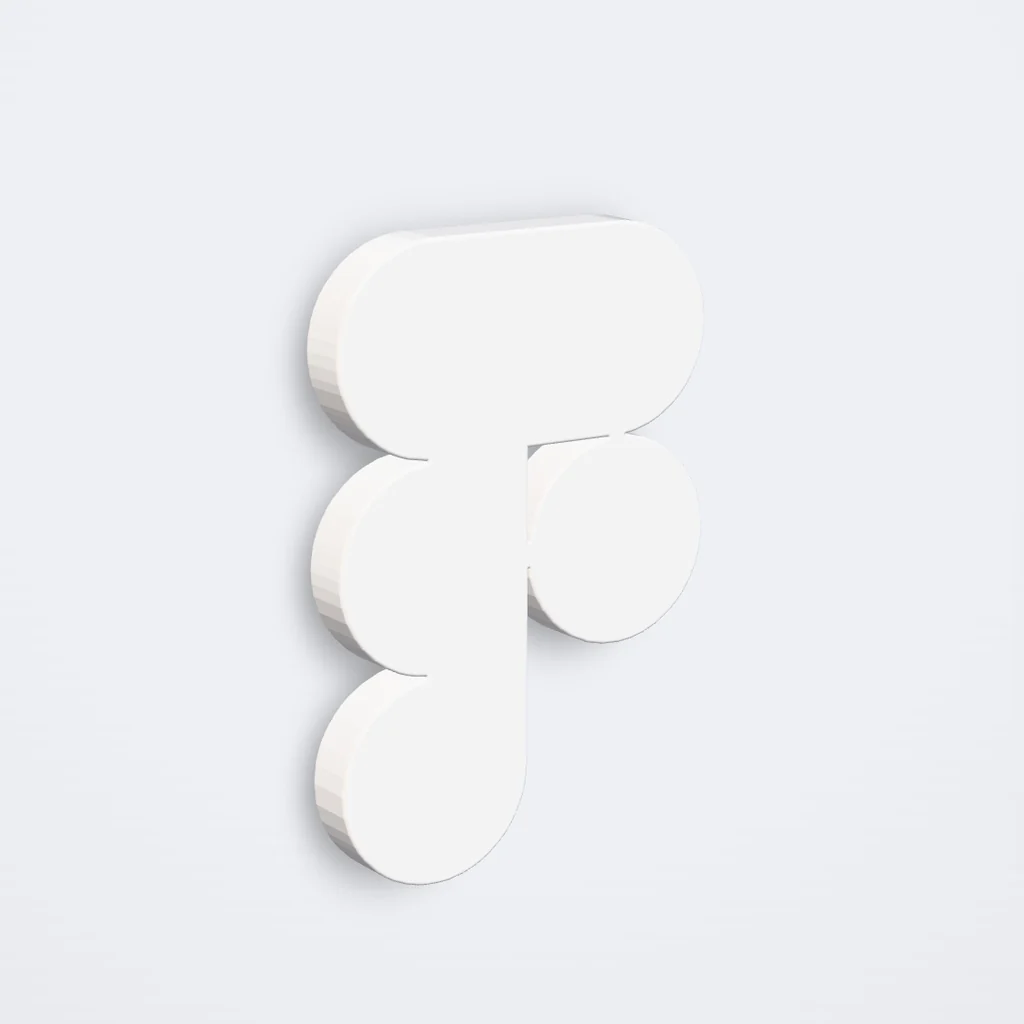 FigmaCeramic
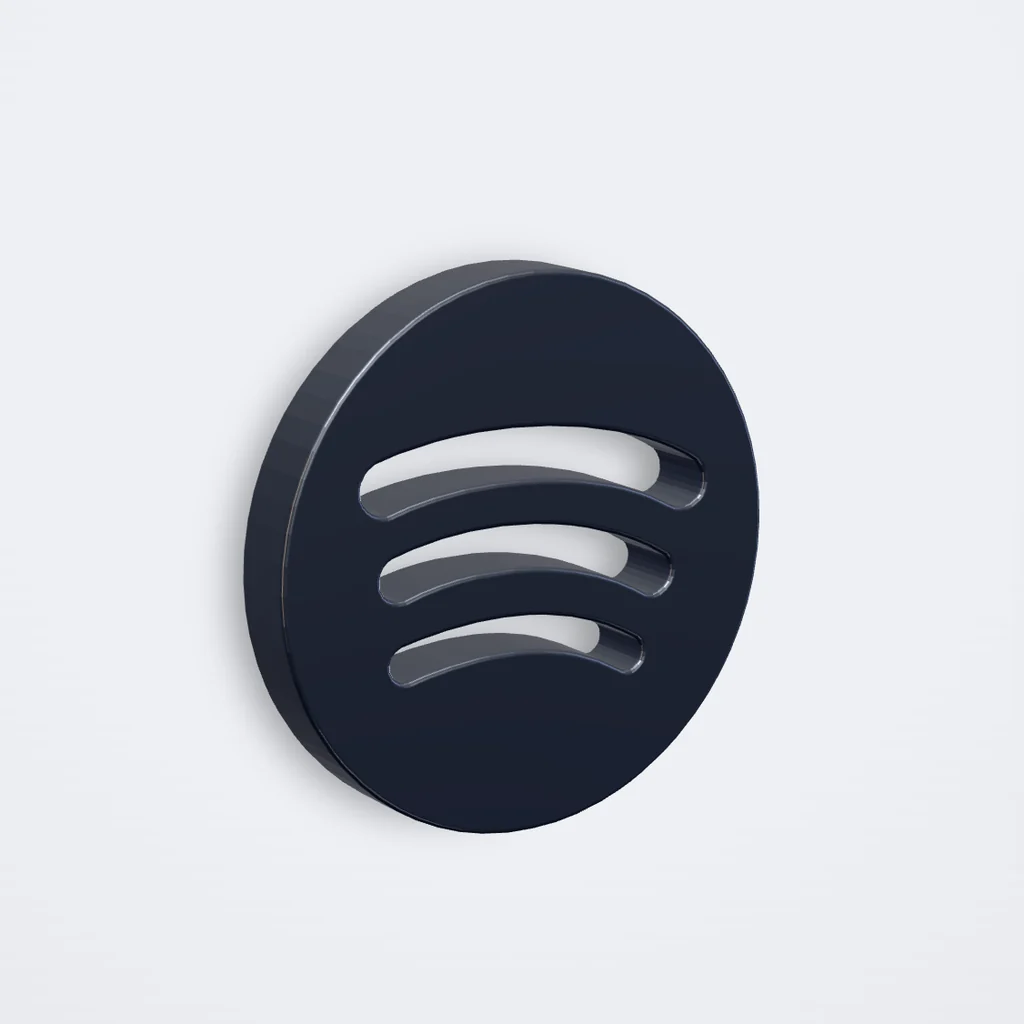 SpotifyTitanium
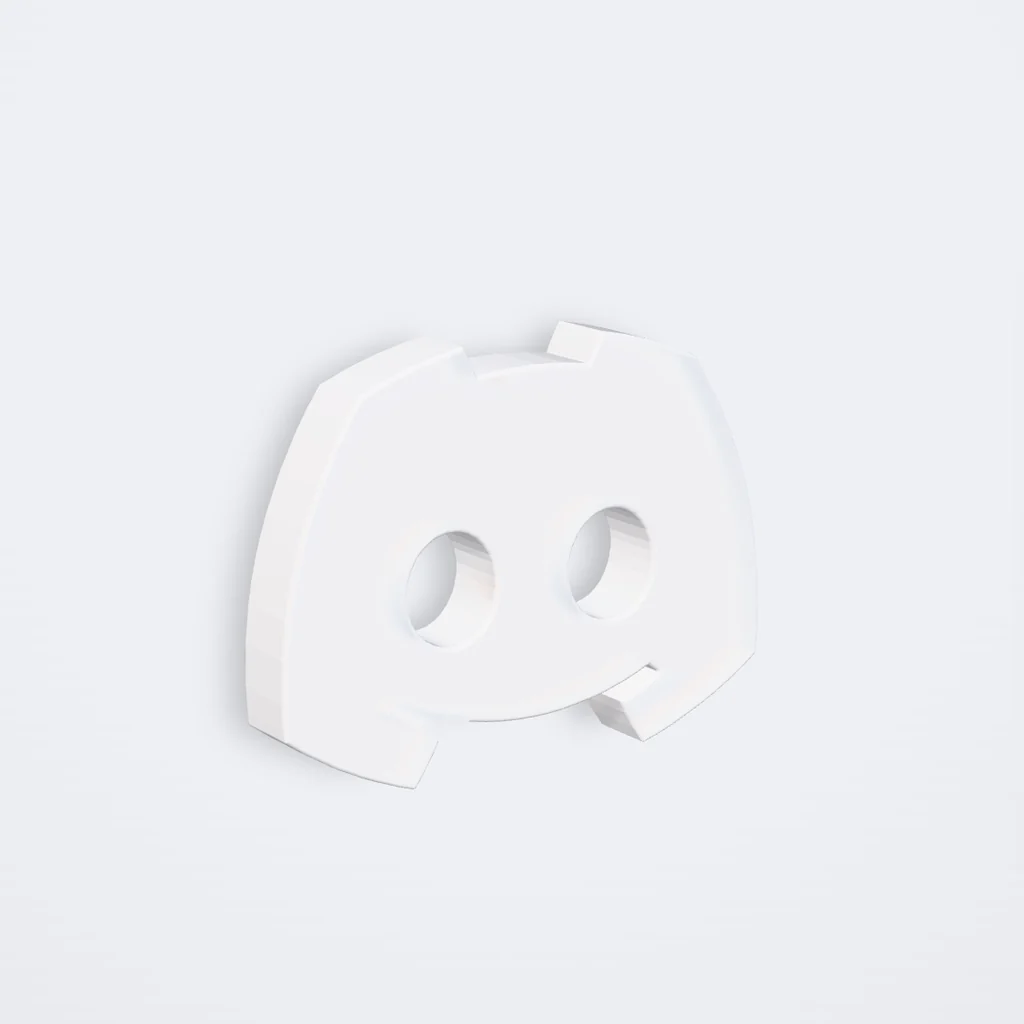 DiscordMilk glass
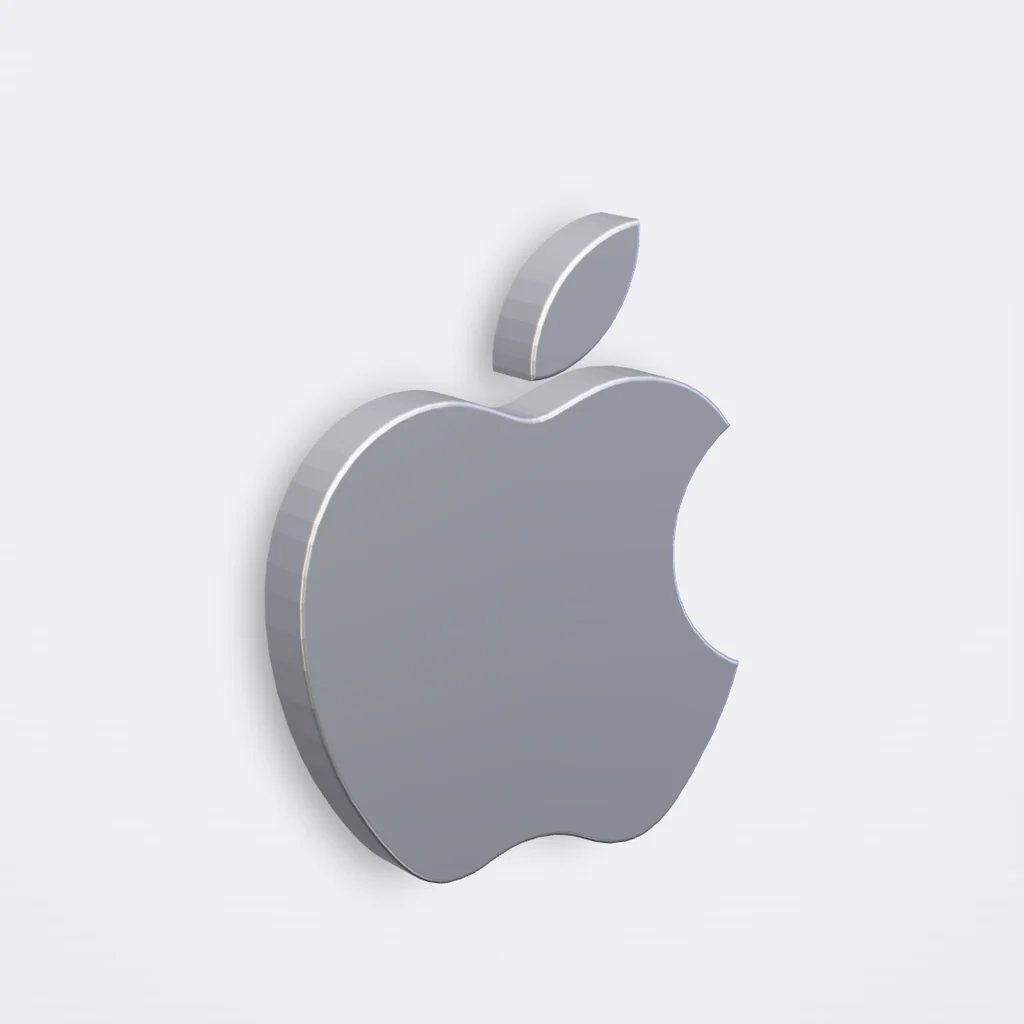 AppleBrushed aluminium
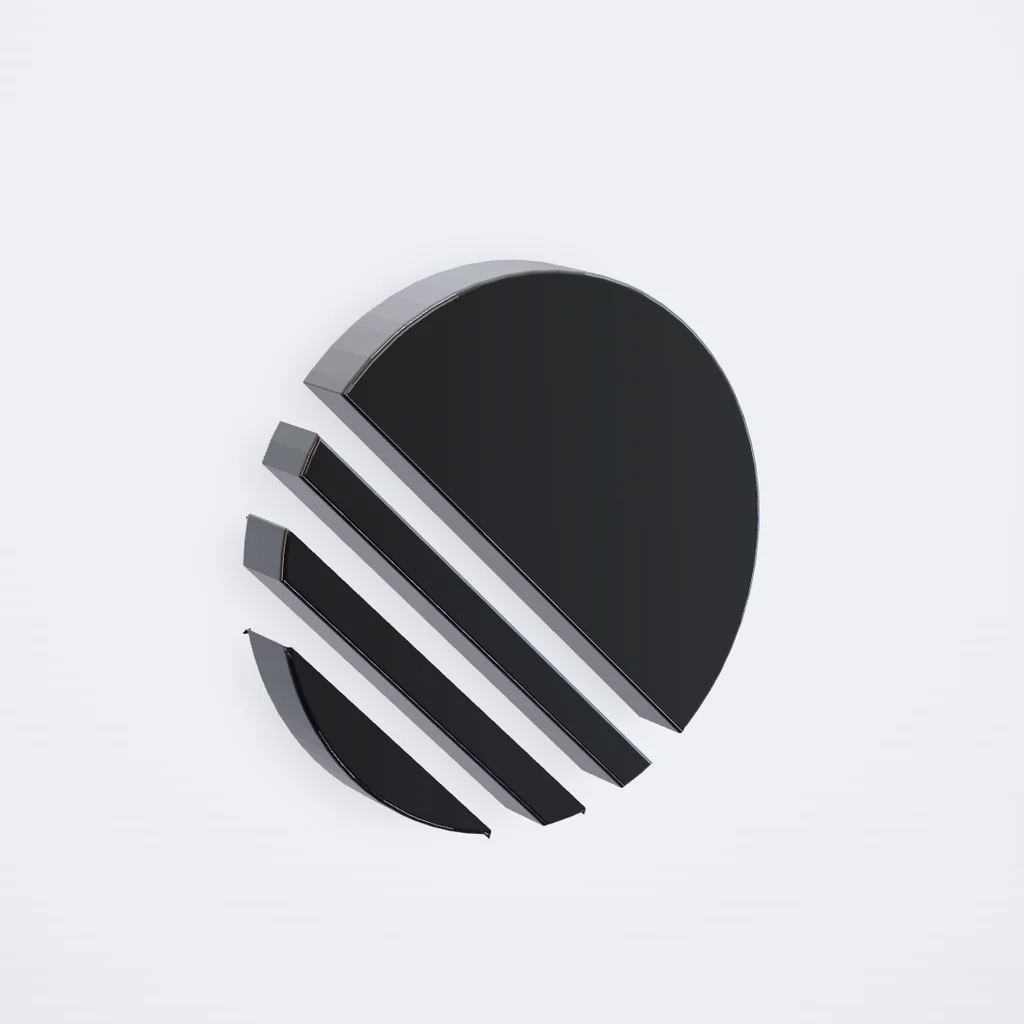 LinearObsidian glass
Logos belong to their owners and appear only to show what Vitrum can do. Vitrum isn’t affiliated with these brands.
One icon, three files
Each export is made for where it goes next: a flat image for your designs, a model for the web, a mesh for the printer.
PNG for your designs
The view you set, at 2× on a transparent background.
Works in Figma, Framer and Keynote.
GLB for the web
A glTF binary with real materials, sized in metres.
Loads in three.js, React Three Fiber and Spline.
STL for print
A closed mesh in millimetres, at the height you set.
Opens in Bambu Studio, PrusaSlicer and Cura.
Questions
The short answers. The studio explains the rest as you go.
Do I need to know 3D?
No. Drop in a logo or icon, pick a finish and turn it to the angle you want. Vitrum builds the geometry for you. Depth, bevel, lighting and material stay adjustable if you want to go further.
What files work best?
SVG, PNG, JPG and WebP. A mark with a clear silhouette gives the cleanest result. A transparent background helps but isn’t required: Vitrum detects the shape either way.
Can I use the GLB in three.js or React Three Fiber?
Yes. The GLB is a standard glTF binary with physically based materials, sized in metres, so it loads in three.js, React Three Fiber, Spline, Blender and most 3D tools.
Can I use it for client work?
Everything you export is yours to use. Only upload artwork you own or have permission to use, and check a brand’s guidelines before rendering its logo.
Do my files leave my device?
No. Tracing, modelling and rendering all run in your browser. Nothing is uploaded, and there’s no account to create.